
Dashboard
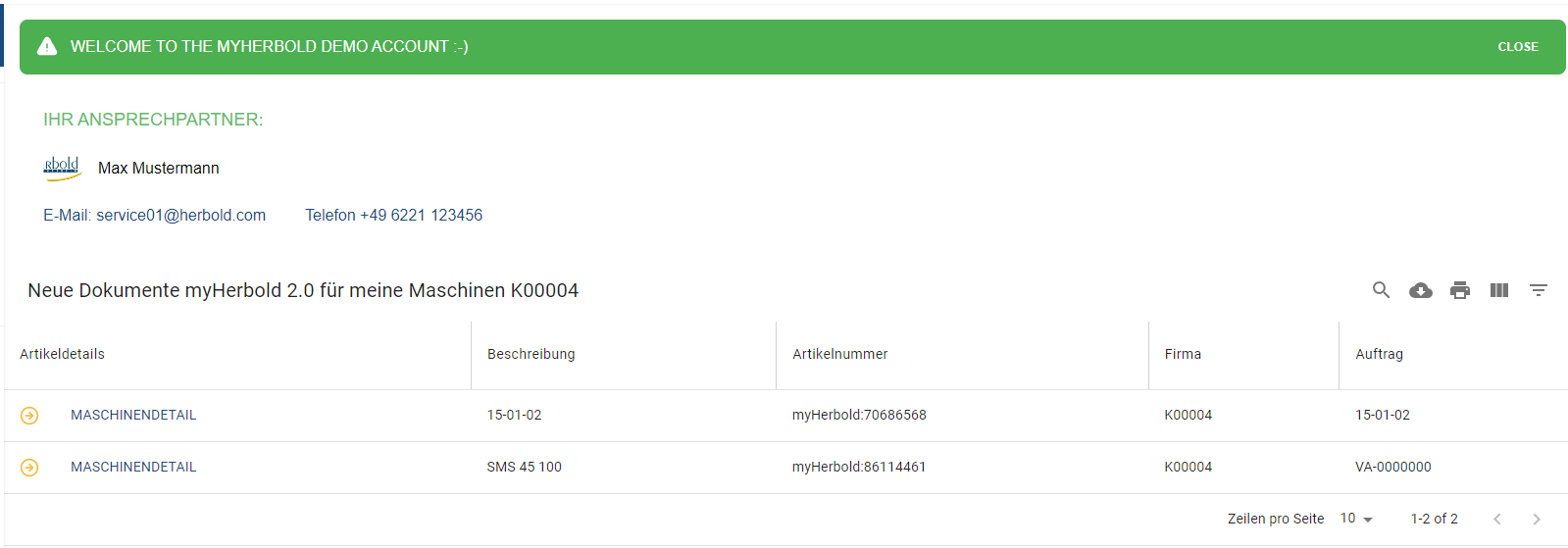
You will always find all current myHerbold 2.0 machine documents on your dashboard. Click on “MACHINE DETAIL” to navigate to the individual details “see screenshot”. You can use the magnifying glass to search for orders and machines.
Documents:
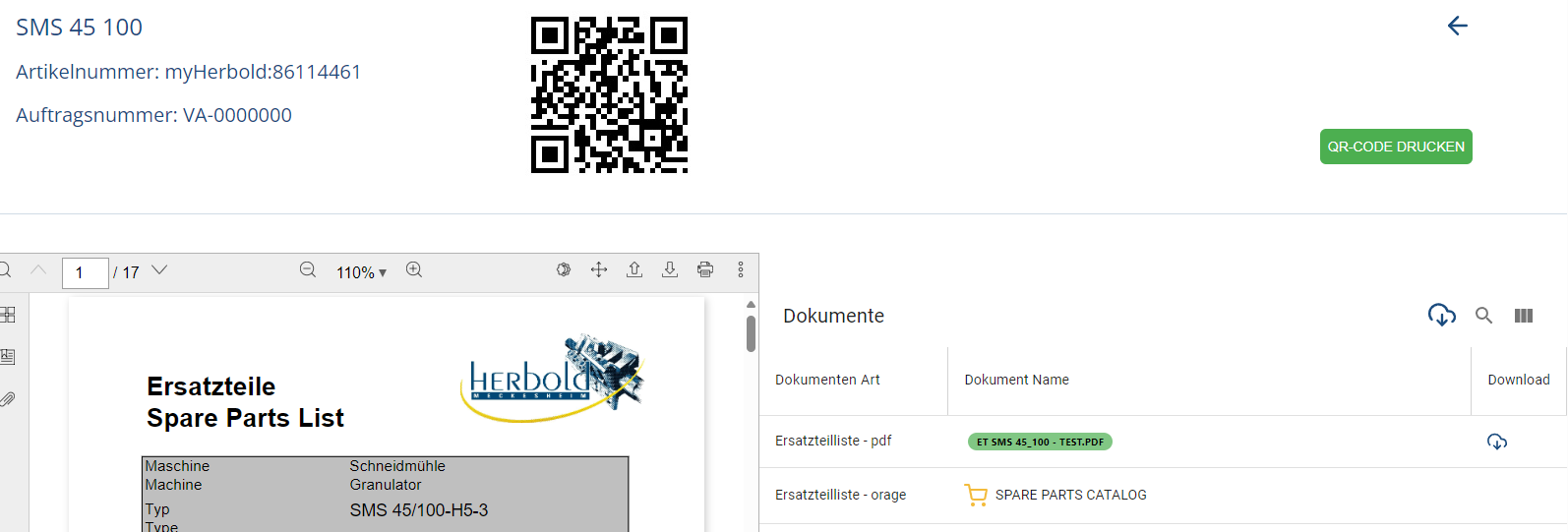
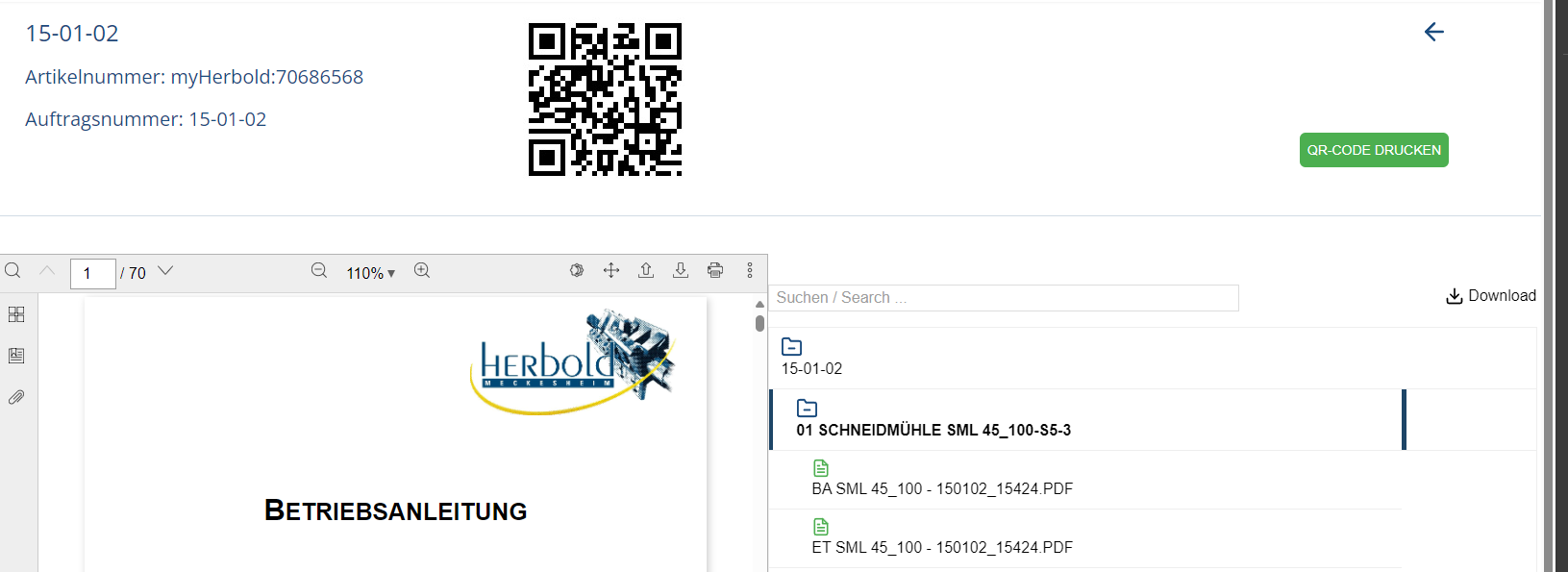
On the right you can see your document list for the respective machine. By clicking on a document column, the document opens on the left in our PDF reader, from there you have many possibilities to use your document. On the right above the document list you can download all documents as .zip files. There is also the option of downloading via the PDF reader or the respective document column on the right.
Zuletzt aktualisiert